ARnocular
MenuExperienceBenefitsContentDiscuss a pilot
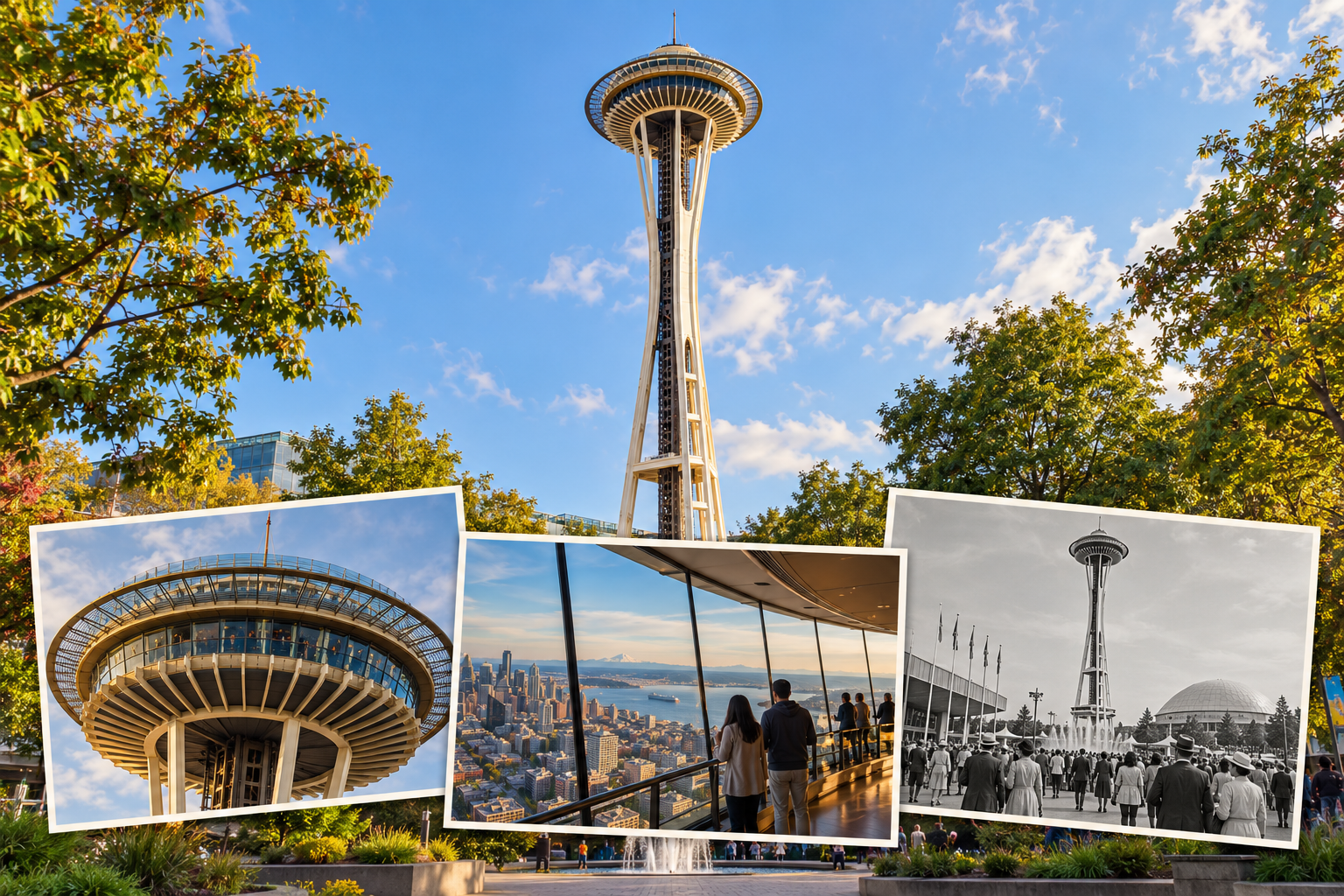
Illustrative sightseeing-bus scene with visual story overlays

For hop-on hop-off and sightseeing operators

Bring your routes to life with audio and visual stories.

Give passengers more context for the sights around them, through their own phones.

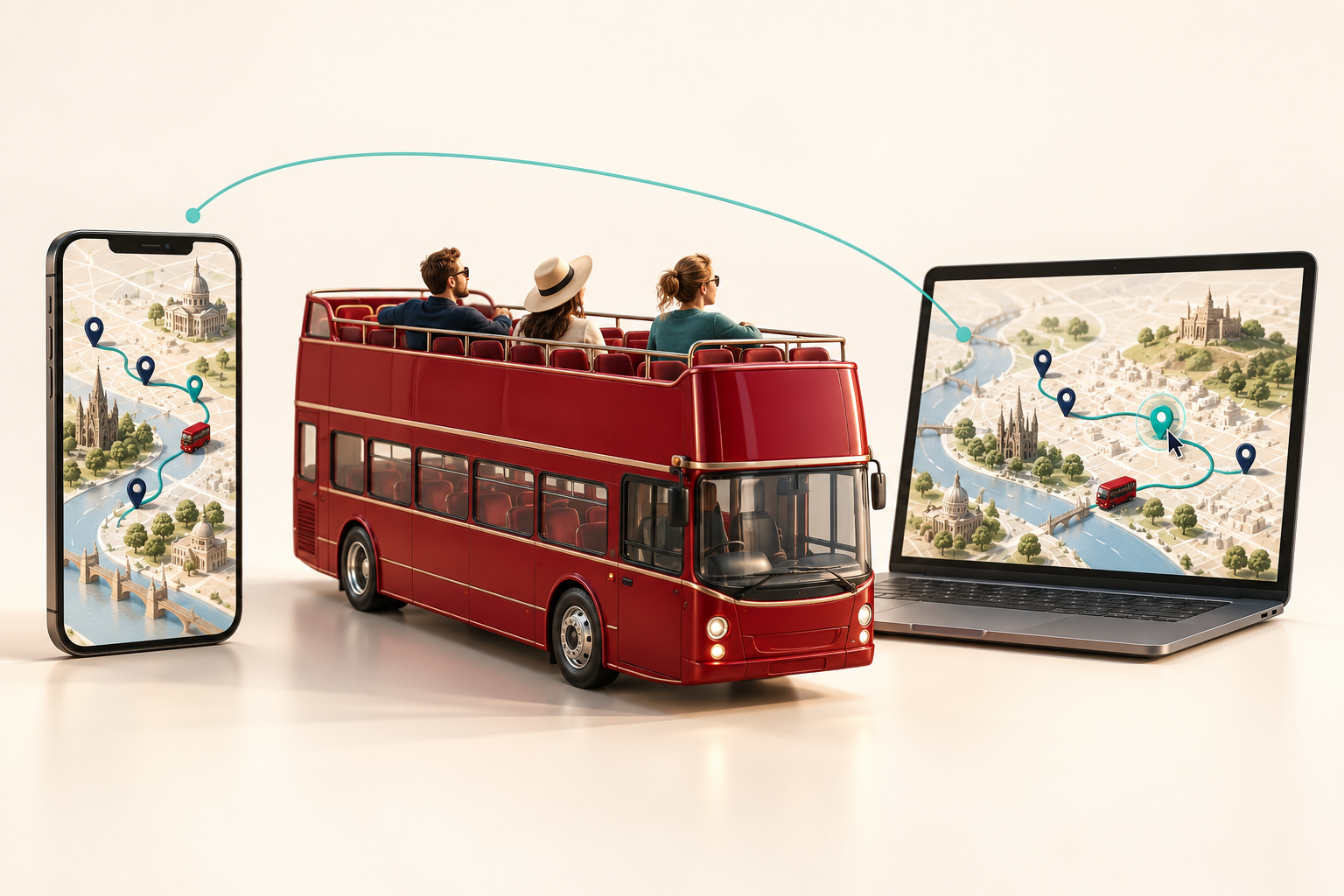
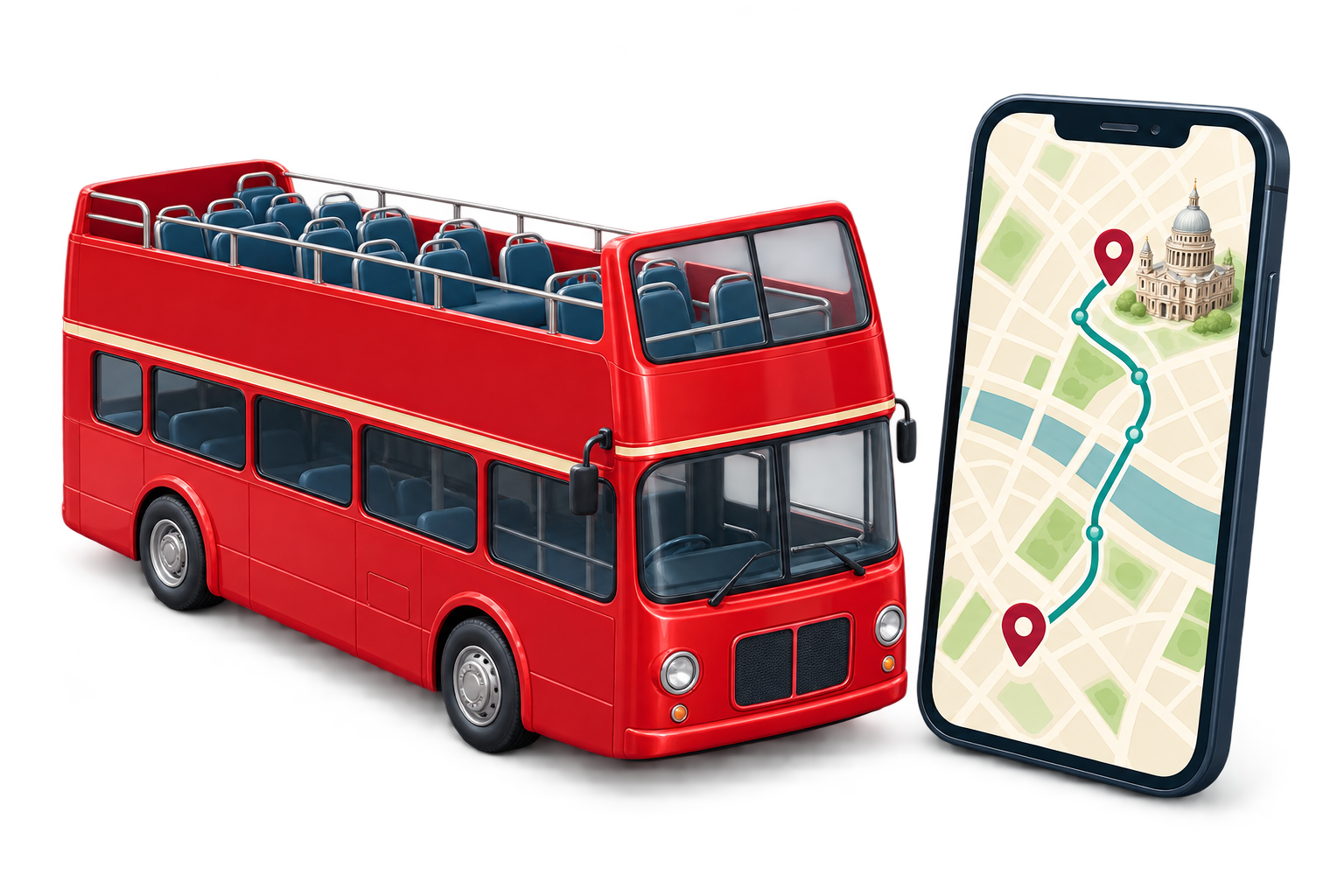
Illustrative product imagery.

Experience with local operators in these networks

The passenger experience

See the idea in action.

Audio stories and visual content help passengers explore the sights around them.

See the concept in a short product introduction, then explore the example screens below.

The routes, content and supported setup are agreed for your pilot.

Illustrative product film. Interface scenes include generated visuals.

Video unavailable? Watch on YouTube (opens a new tab)

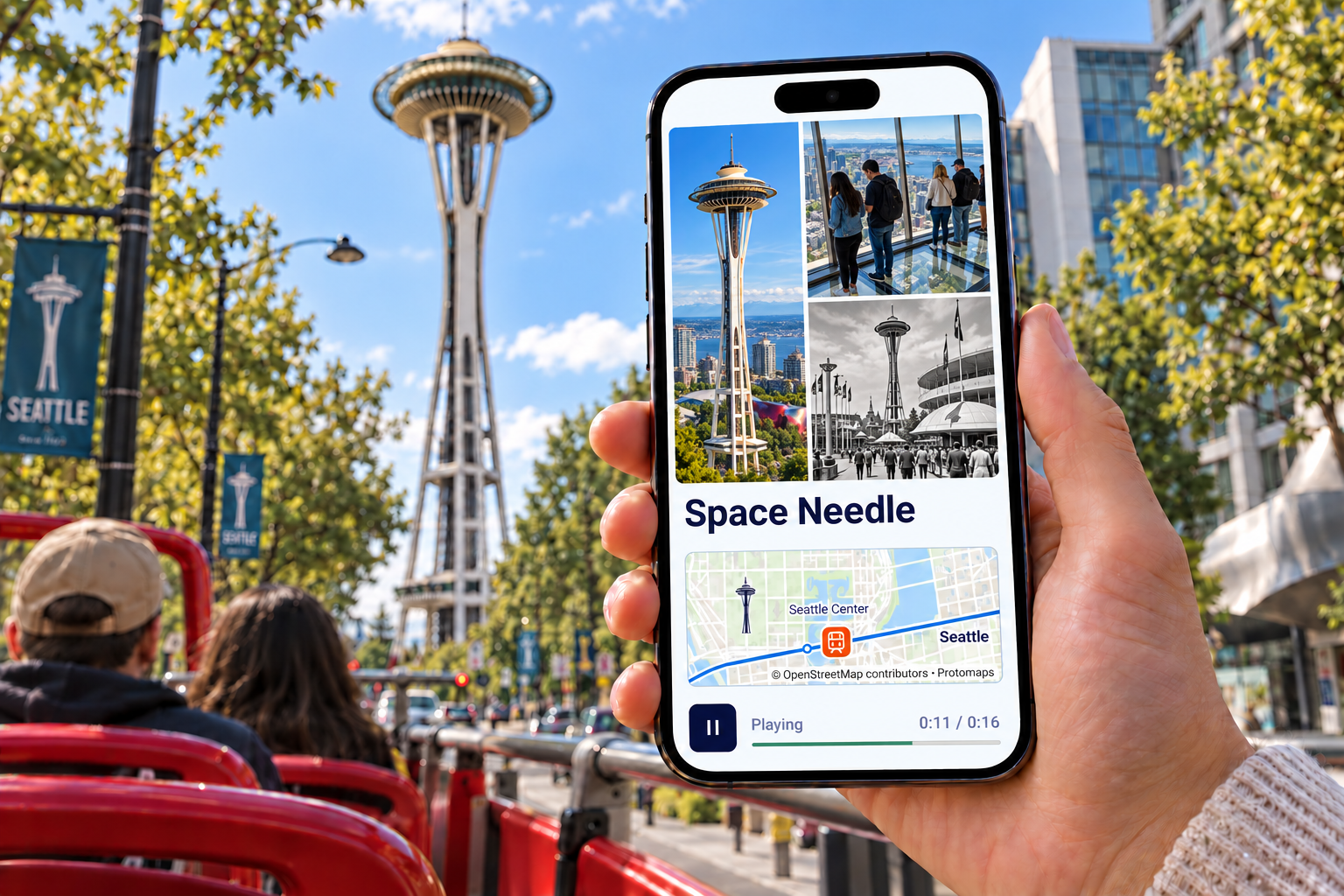
Audio paired with photos

Hear the story. See the place.

Audio stories paired with photos give passengers more context for the sights along your routes.

Illustrative Pike Place Marketfront story interface with a photo collage, audio progress, and a stylized map.
Illustrative story example: photos with audio progress.
View full-size image (opens a new tab)

For your operation

More context. Your distinctive tour.

01 / EXPERIENCE

Enrich the passenger experience

Audio and imagery add context to the sights along the route.

02 / IDENTITY

Make your tour distinctive

Shape the content around your routes and passenger experience.

03 / LEARNING

Learn what passengers value

Agree how to review usage, feedback and operational effort during the pilot.

Inside the experience

From first look to passenger feedback.

Illustrative app screens. The experience is tailored to your pilot.

Illustrative interface preview with places, interiors and audio themes
Preview the experienceIntroduce the sights and stories passengers can explore.
Illustrative explore interface showing an Eiffel Tower image and route graphic
Explore the routeShow how visual stories can relate to the sights around passengers.
Illustrative feedback question with one-to-five response buttons, not an aggregate rating
Invite feedbackIllustrative feedback screen; stars are not measured results.

How passengers get started.

  1. Get ready

    Open the agreed app link, complete setup and download the selected tour content. Initial app and content downloads need an internet connection.

  2. Explore the sights

    Follow the in-app guidance to explore the audio and visual stories included for the route.

  3. Share feedback

    Tell us about the experience to help inform the pilot review.

Illustrative Eiffel Tower visual-story concept on a sightseeing bus
Illustrative landmark experience.

Content with a sense of place

Give the sights more context.

Choose the stories and visual material that fit your routes.

Landmark imagery

Connect a place passengers can see with a closer visual perspective.

Audio stories

Add narrative context to selected sights along the route.

Historical views and interiors

Choose historical views or interior imagery suited to your routes and available content.

Content is selected and agreed for your pilot.

Explore a pilot for your operation.

We’ll agree the routes, content, launch date and evaluation criteria together.

Agree how to review usage, passenger feedback and operational effort during the pilot. Use that review to decide what comes next.

Discuss a pilot

Tell us about your operation and what you’d like to improve.

nima@arnocular.com