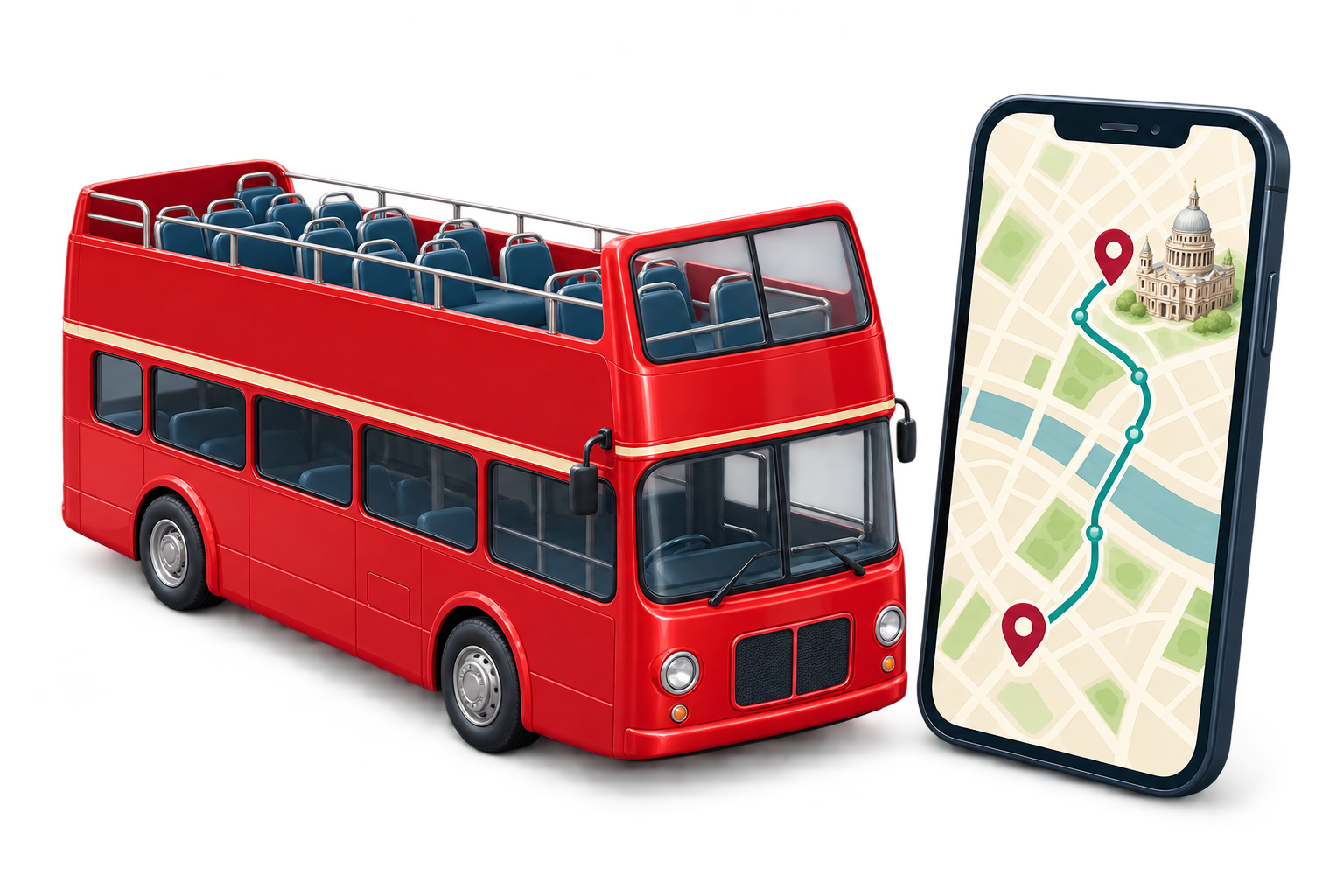
FOR SIGHTSEEING OPERATORS
Getting started
with ARnocular.
See how ARnocular can work with your existing app, what setup involves and how we help after launch.
BUILD ON WHAT YOU HAVE
Already have
an app?
You’ve invested in your app. A richer tour should build on that experience.
Let’s explore adding audio and visual stories within your existing app, under your brand.
Discuss your existing app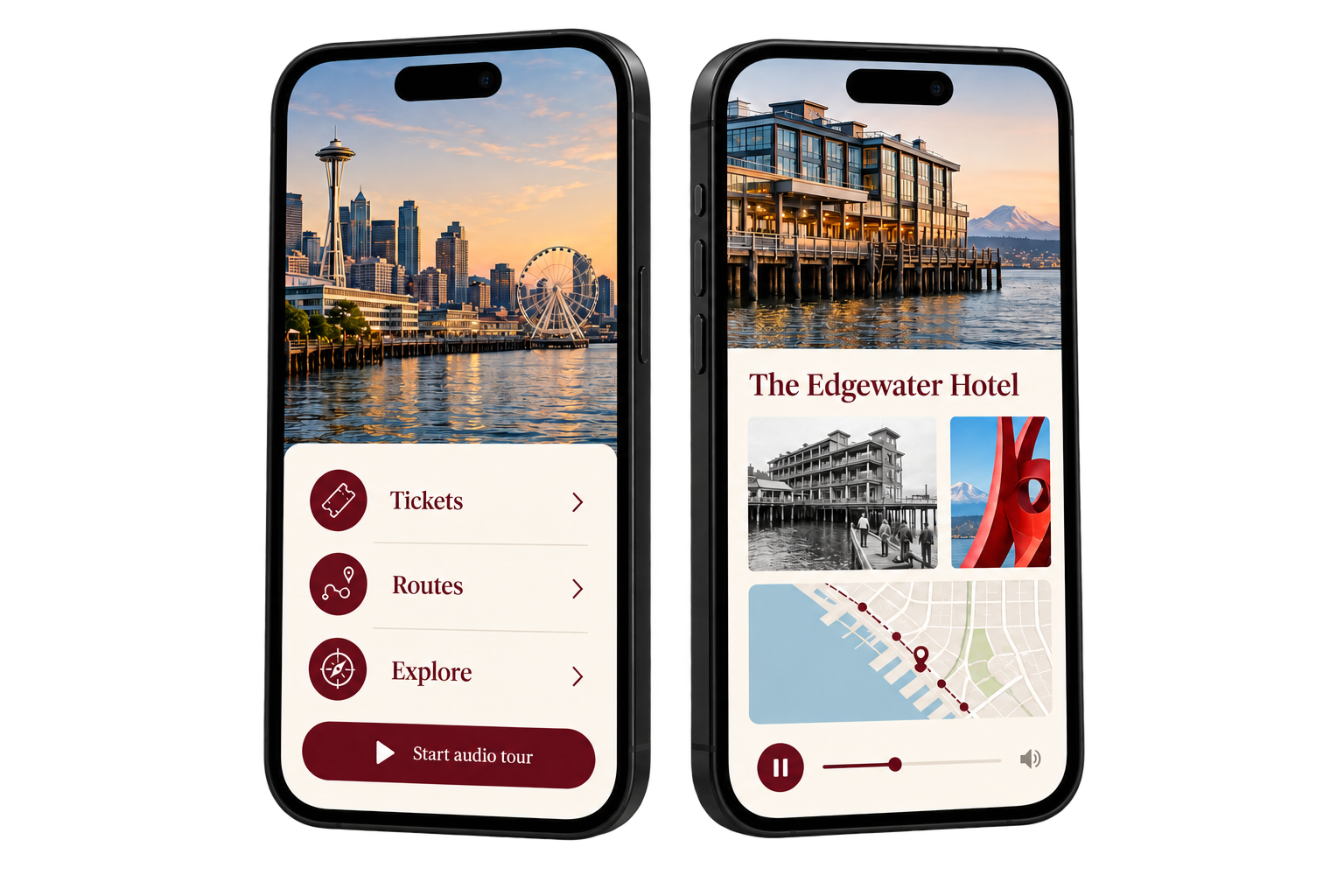
WHO HANDLES WHAT
Know the work
before you start.
Agree responsibilities upfront, so setup fits around your daily operation.
ARnocular
Set up the tour, prepare the agreed audio and visuals, and help your team test it before launch.
Your team
Confirm the route and content, provide setup access and take part in bus testing. For onboard units, arrange suitable power and mounting.
Agreed together
How the tour works with your app and ticketing, staff training, ongoing support and future changes. We also agree who handles any vehicle electrical work.
HOW PASSENGERS ACCESS THE TOUR
Use mobile internet.
Or your bus Wi-Fi.
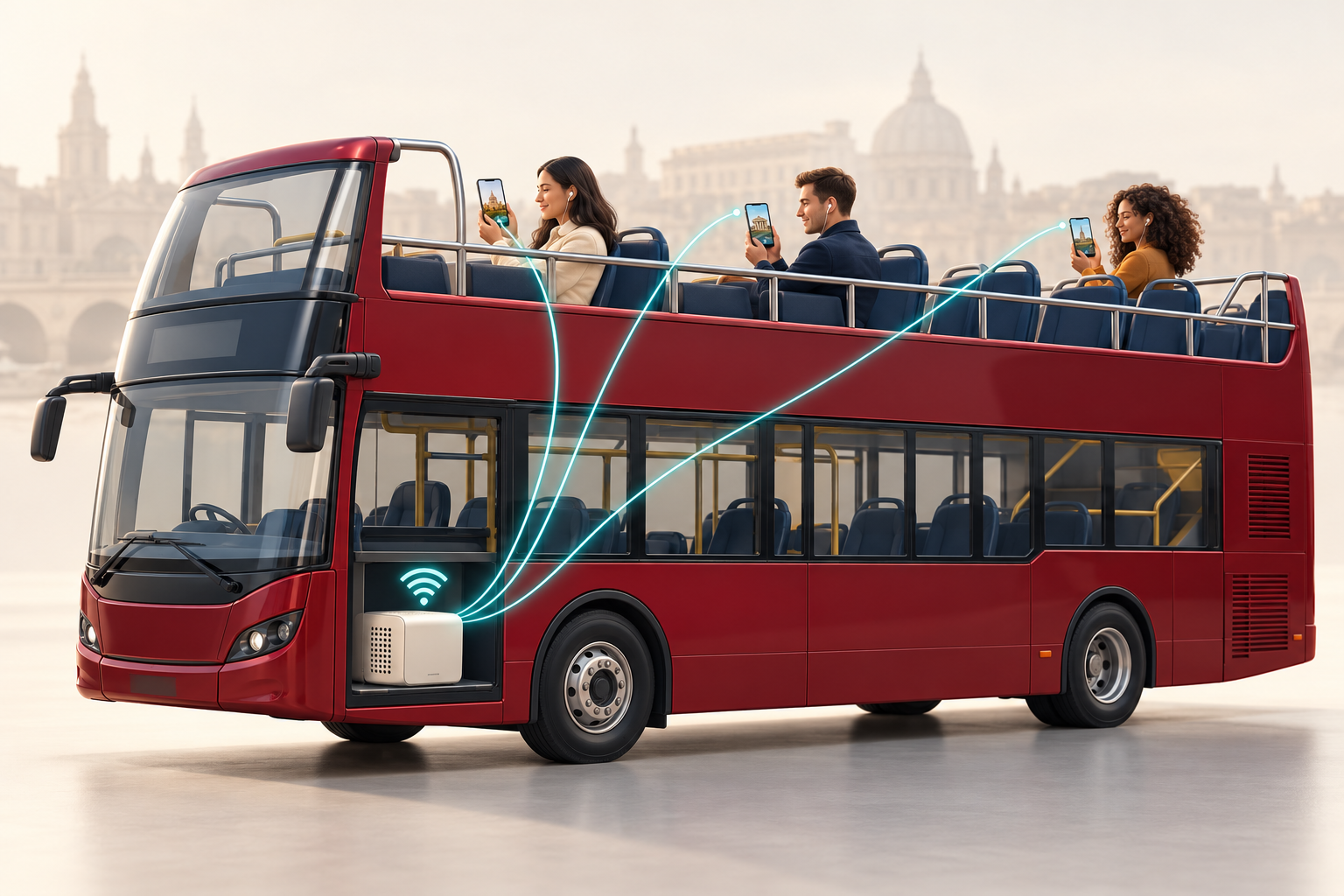
Passengers can access the tour using their internet connection, or connect to an onboard unit through your bus Wi-Fi.
With onboard delivery, passengers do not need their own mobile data for stored audio and visuals. Internet connectivity is needed for remote maintenance and content updates.
Discuss internet and Wi-Fi options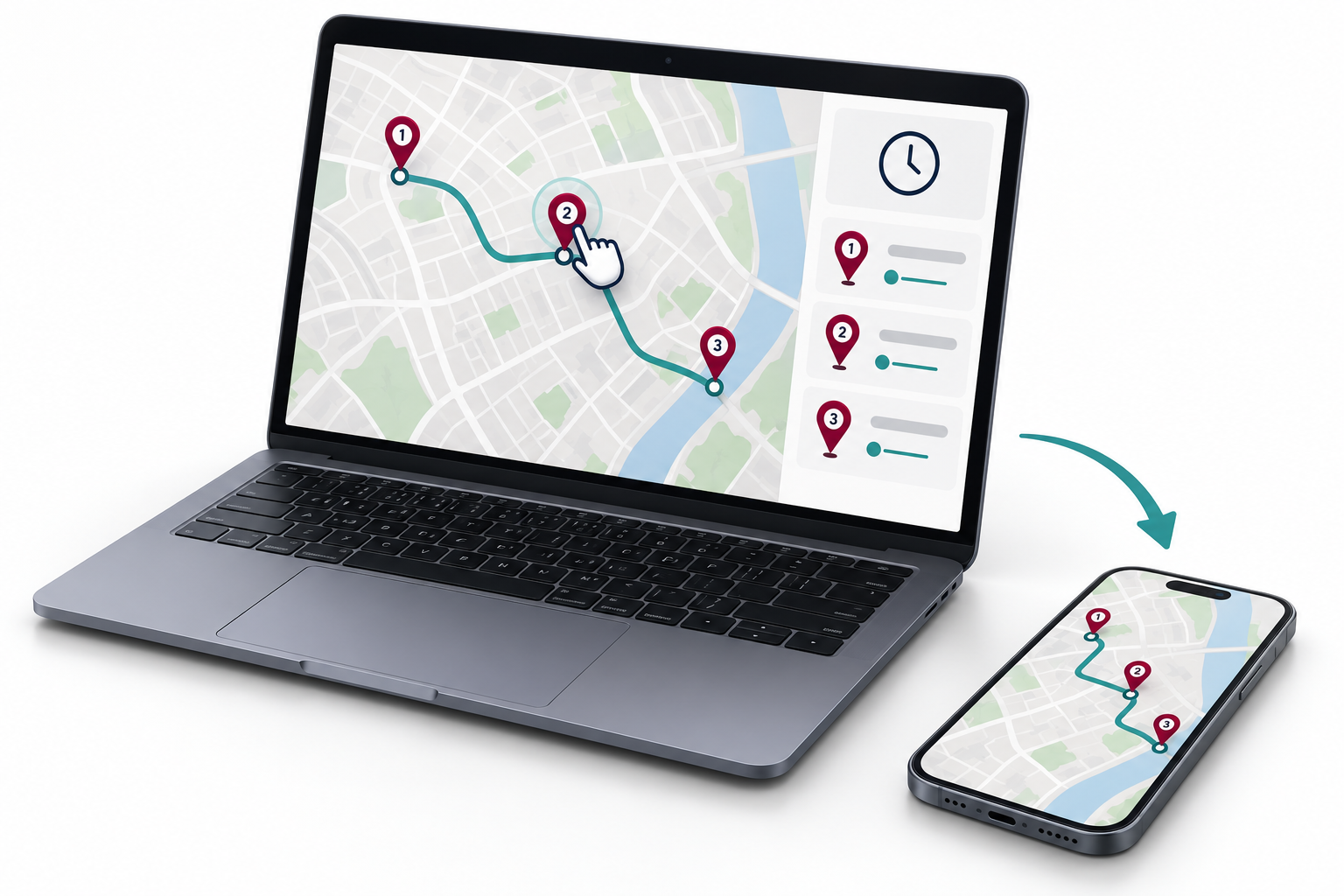
YOUR SERVICE. KEPT CURRENT.
Change your stops.
Keep passengers informed.
Give your team one place to keep stop information current when your operation changes.
Add, move, name or reorder stops. Update first and last bus times, save a private draft, then publish to the passenger map.
Try the operator workspaceExplore sample data. Your changes stay in your browser and do not affect a live service.
AFTER SETUP
Support beyond
the first journey.
We help keep your onboard tour up to date remotely when the unit is connected to the internet.
We handle remote content updates and help keep the onboard tour running. Your team may need to assist locally with power, mounting or internet connectivity.
We agree support coverage and responsibilities for your operation before rollout.
Discuss your support needsLET’S TALK ABOUT YOUR TOUR
Let’s talk about
your tour.
See what ARnocular could bring to your route.